
🚀 €14,90 — save €15. Limited time.
🚀 €14,90 — save €15. Limited time.
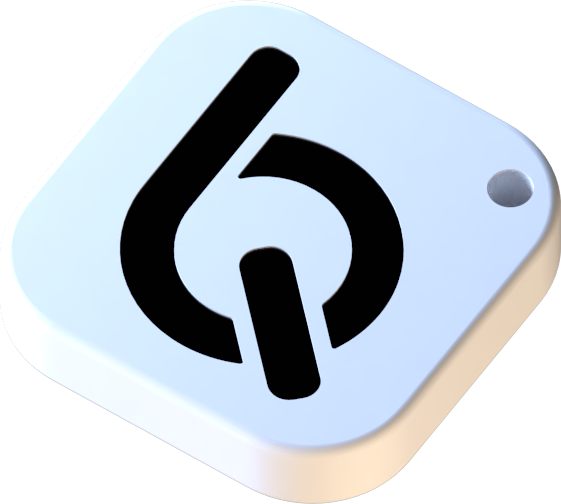
You already know you scroll too much
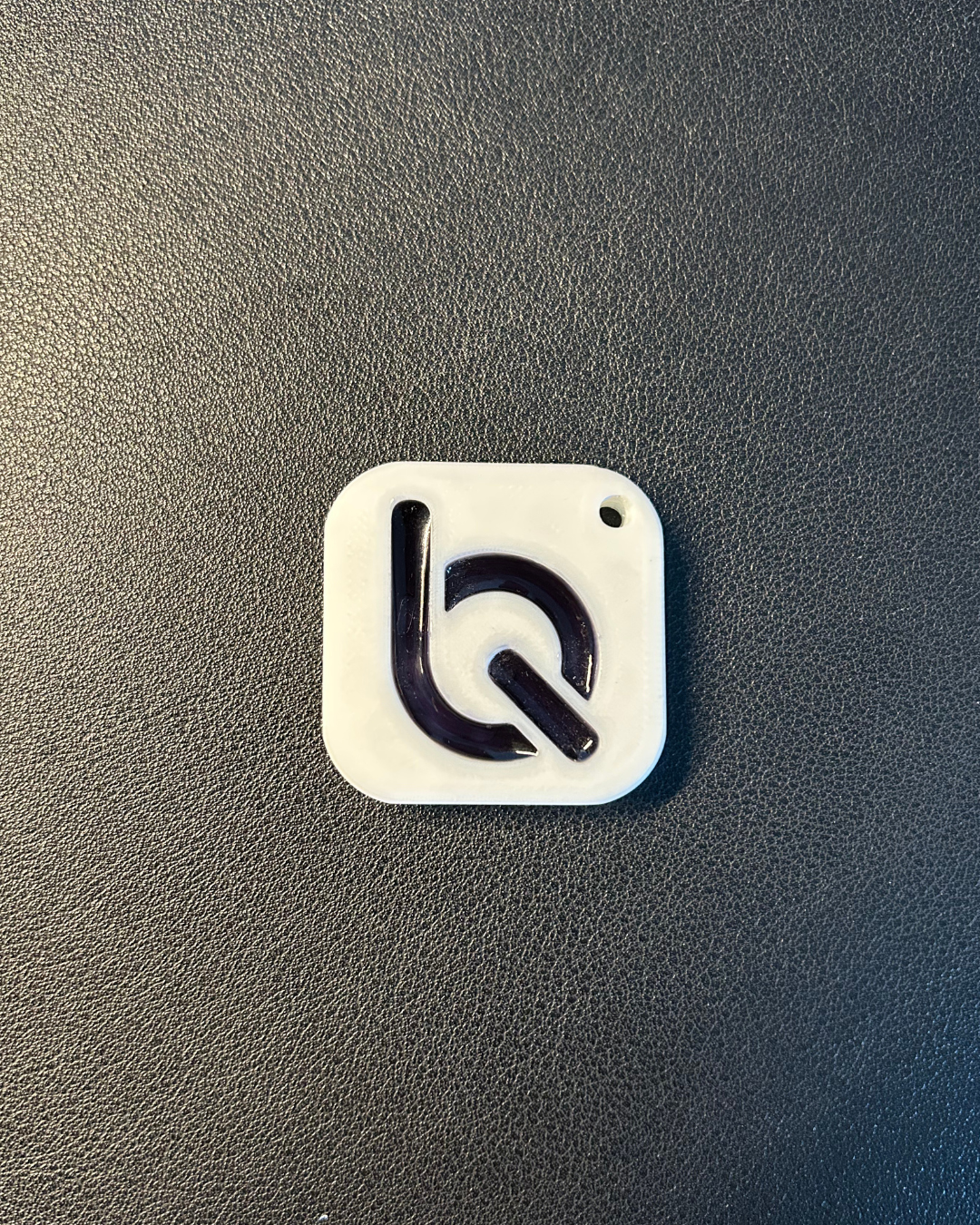
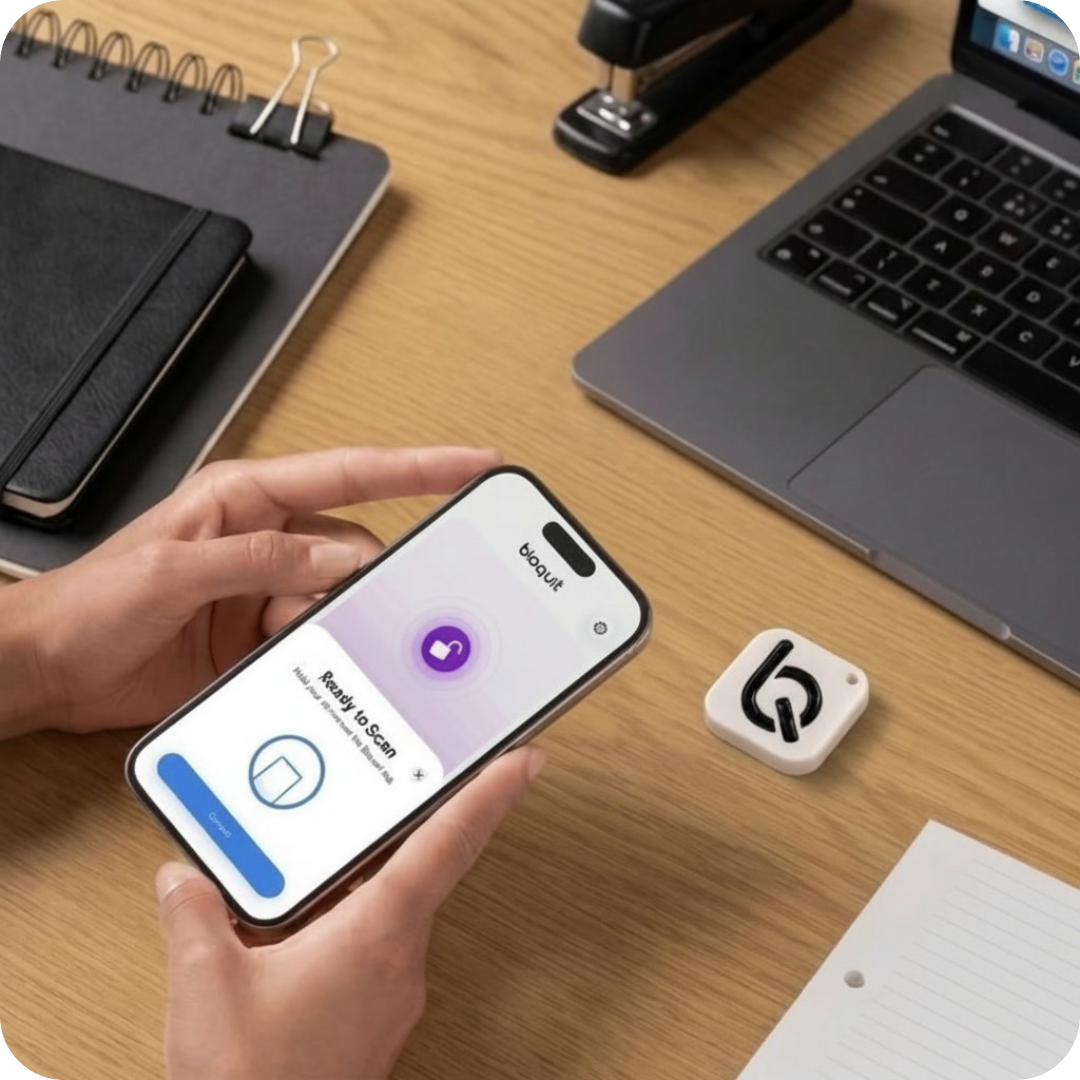
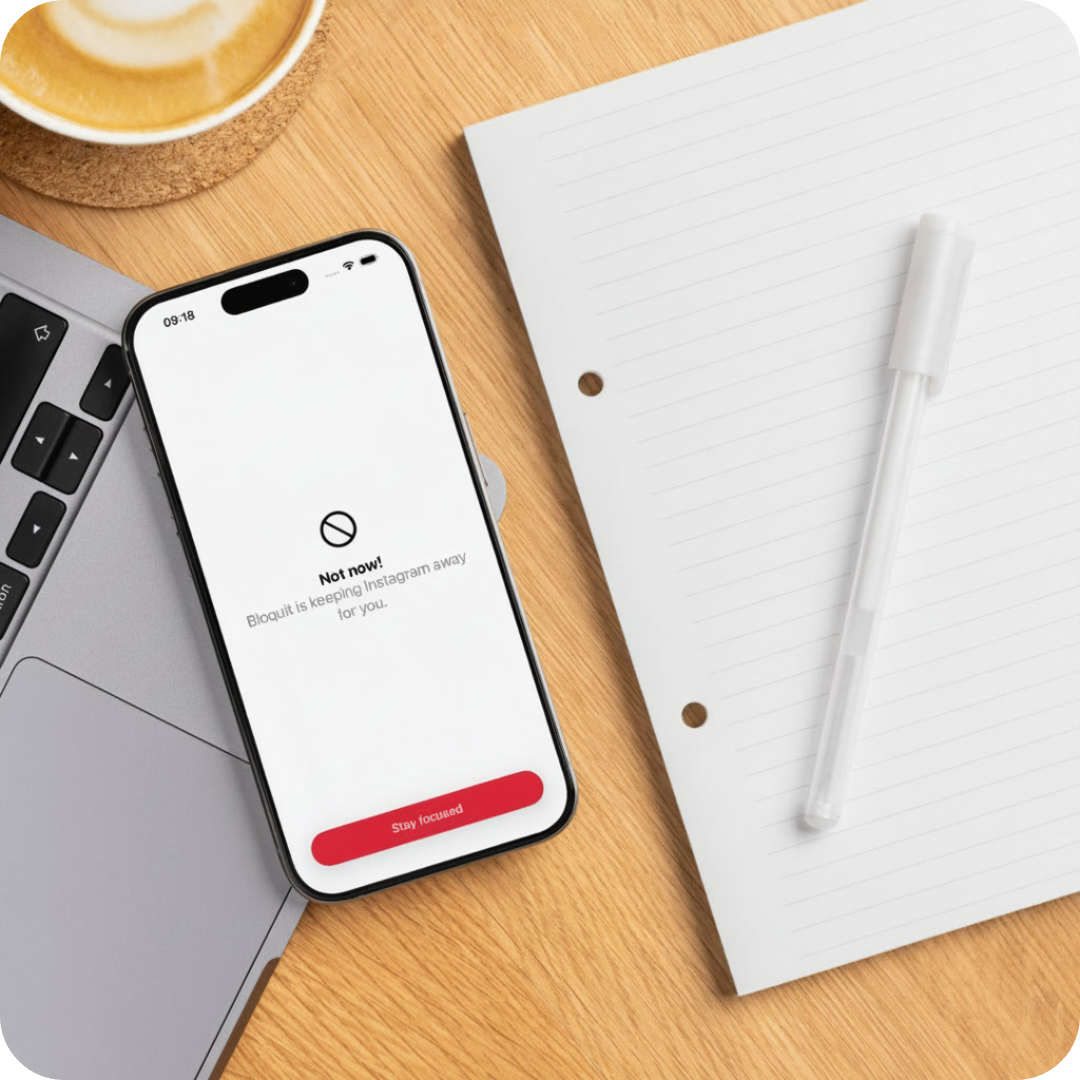
What you don’t know yet is that Bloquit lets you block the distracting apps you choose and their notifications. The only way to use them again is to tap the Bloquit Tag with your phone.
Why Bloquit works when others fail
Other solutions let you cheat in seconds. With Bloquit, you leave the tag behind, and the only way to use your blocked apps again is to physically tap your phone on it. That simple friction turns focus into a habit that actually sticks.
-
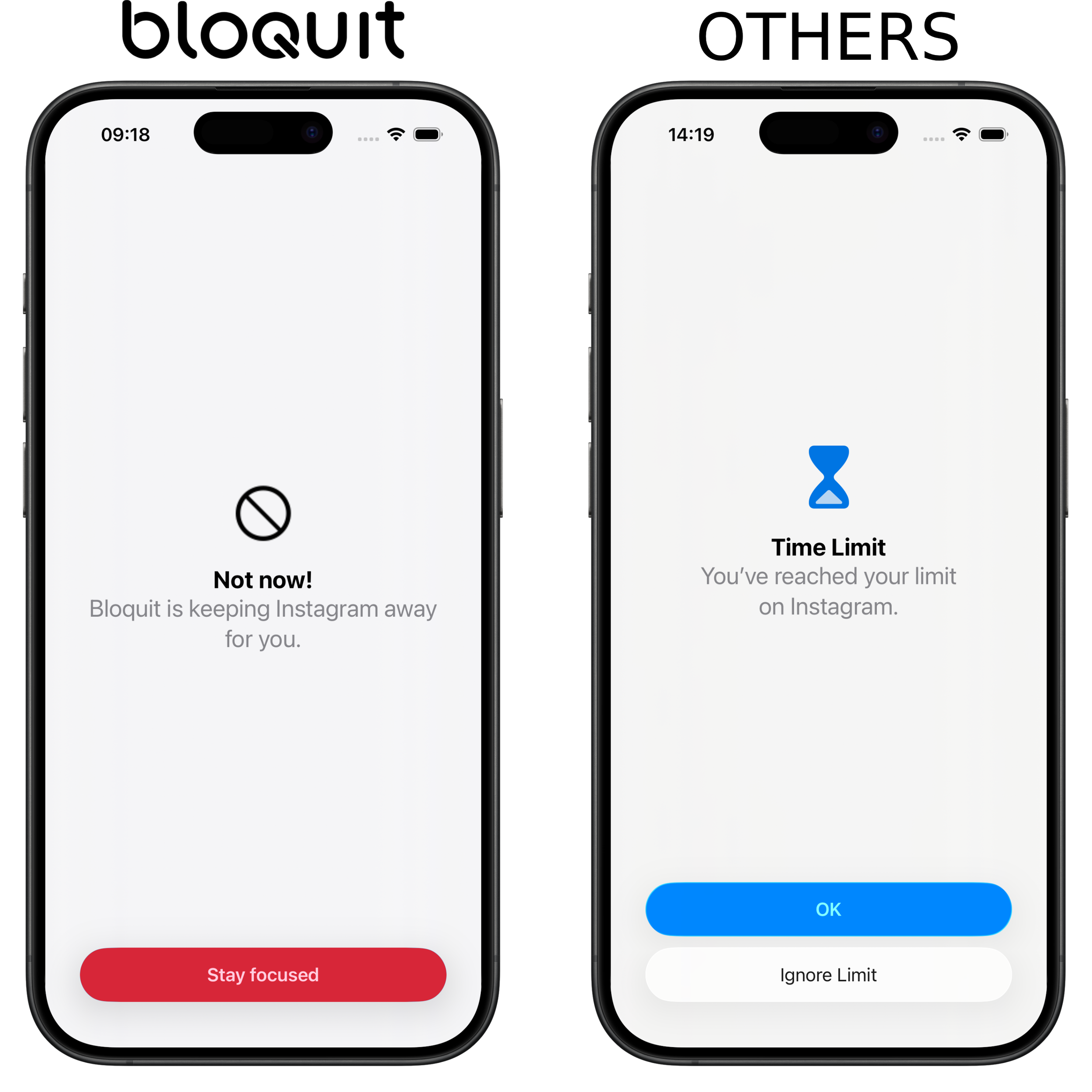
No Distractions
Blocked apps stay out of reach, so you can focus without temptation.
-
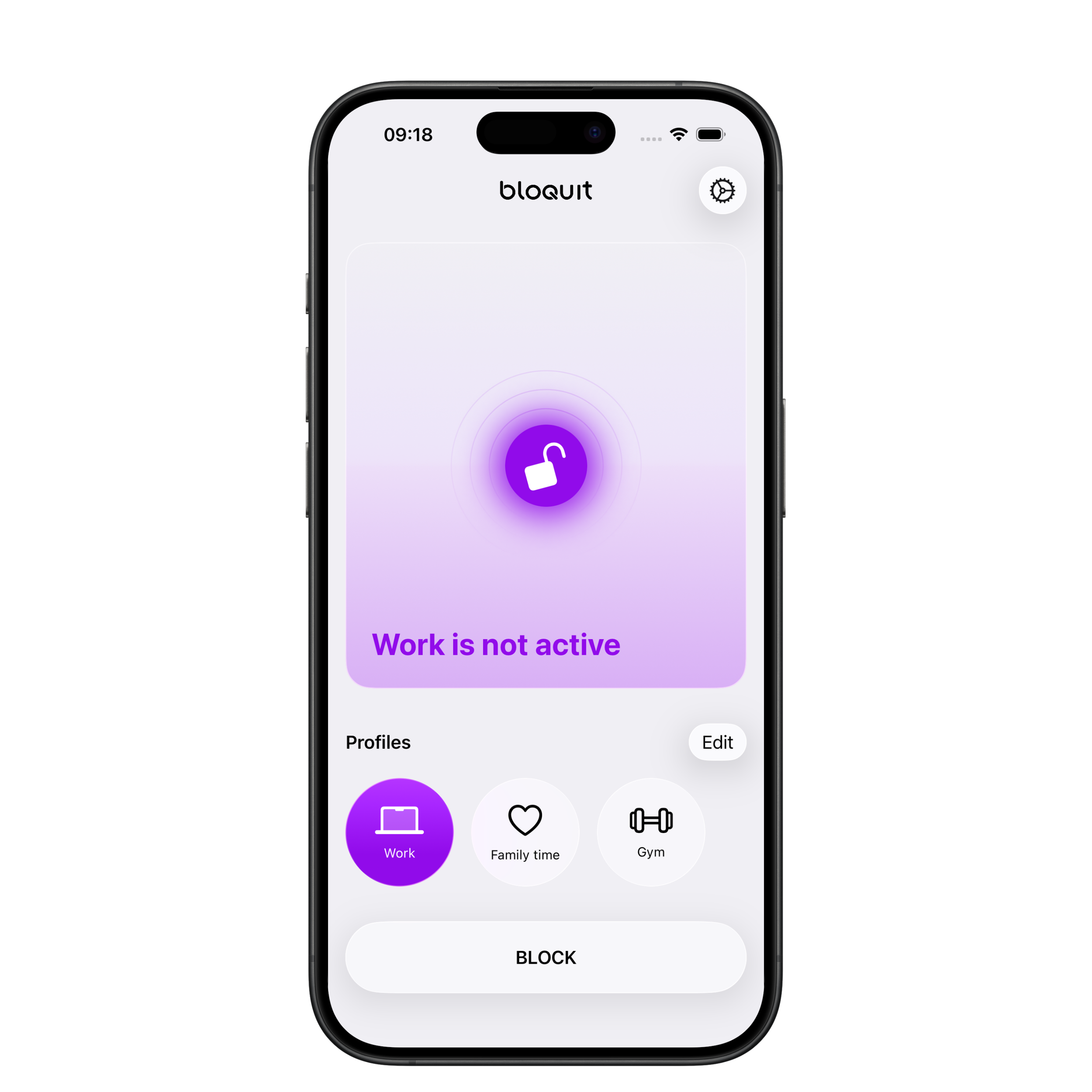
Your Profiles
Create custom profiles and switch instantly between them.
-
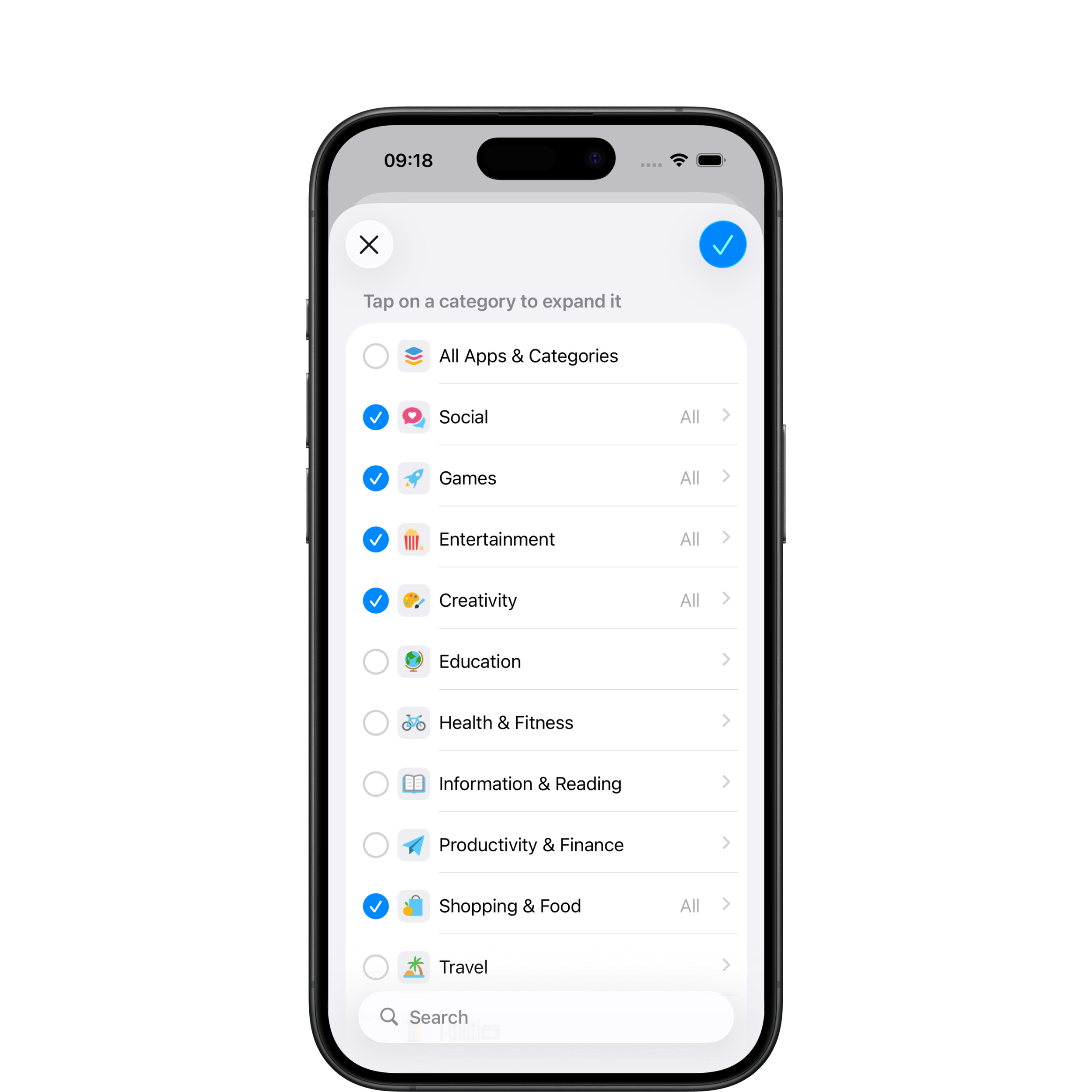
Choose Wisely
Pick exactly which apps or categories to block, stay in control of your time.
🚀 Launch Offer — save €15. Limited time.
Take back control of your screen time
-
![]()
Work
Stay focused and get more done in less time.
-
![]()
Study
Focus longer and learn without distractions.
-
![]()
Family and friends
Be present. No phone, no interruptions.
-
![]()
Life
Enjoy more moments that make life meaningful.


FAQ
-
Screen Time is purely digital—you can always bypass it by ignoring limits. Bloquit adds a real-world layer of friction: the only way to unlock blocked apps is by physically tapping your Bloquit Tag. This makes it far harder to cheat and encourages intentional, mindful use of your phone.
-
More than you’d expect. The average person spends several hours a day on non-essential apps, often without realizing it. By introducing a physical barrier to access, Bloquit helps break that automatic behavior and makes usage intentional again. Over time, this can translate into hours regained each week—time you can redirect toward what actually matters.
-
The Bloquit Tag is a tiny, battery-free NFC device that works completely offline. It’s compact, durable, and includes a small hole so you can attach it to a keychain, keep it on your desk, or place it wherever it’s most convenient.
-
Absolutely. As long as each phone has the Bloquit app installed, the physical tag will work with all of them.
-
Yes! We ship across Europe and the UK. If we can’t deliver to your address, contact us and we’ll find a solution.
-
If you lose it, you can still deactivate the block using an emergency tap. To continue using Bloquit as intended, you’ll need a new physical tag.
-
Not yet, but it’s in development.